Anydesk
AnyDesk, a fast remote access to computers

Safe & Secure
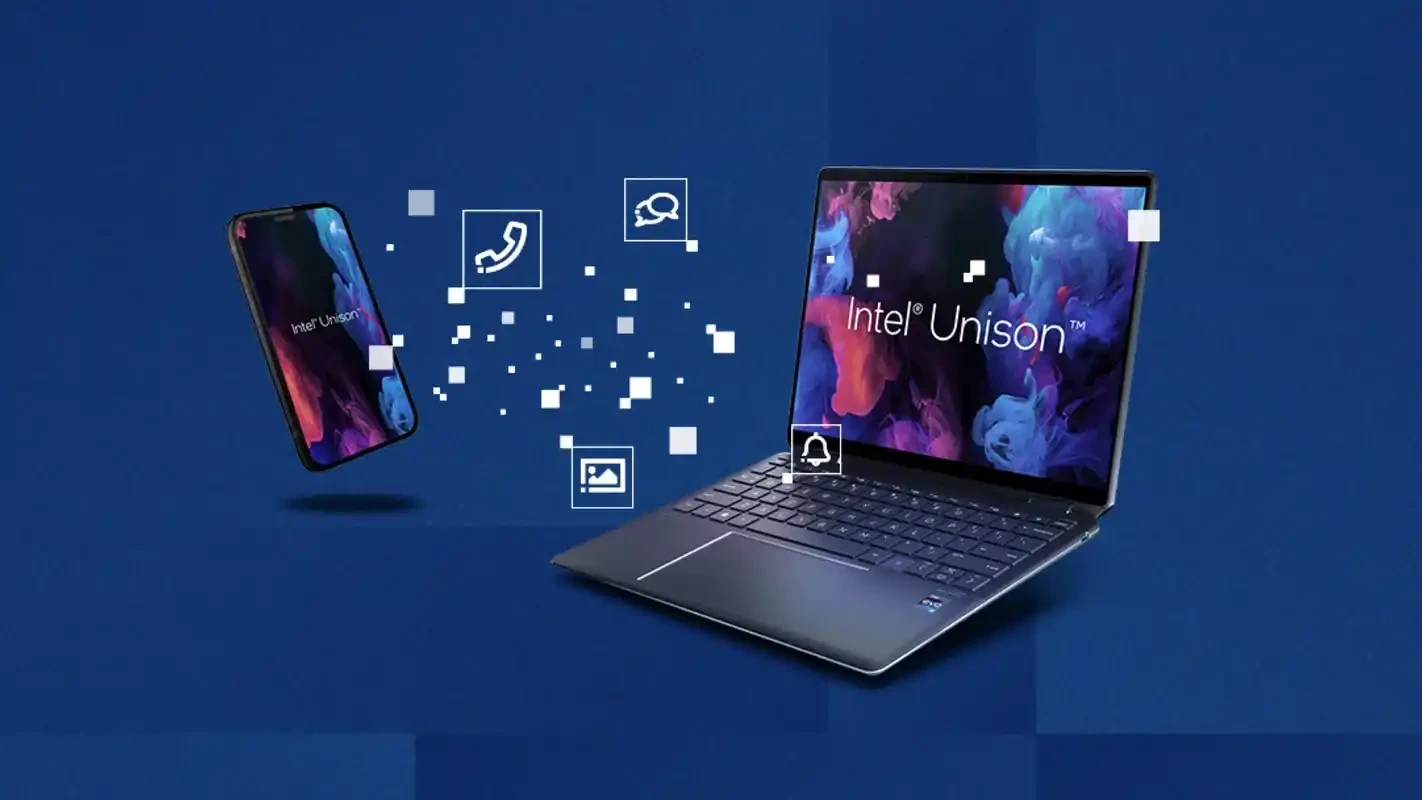
Intel Unison is a powerful productivity app that allows users to manage and streamline their digital lives by connecting multiple devices. The cross-platform utility is specifically designed for connecting PCs and smartphones, fostering file transfers, communication, and notifications between devices.
The app offers awesome services for both personal and professional use, as it helps to transfer your photos, videos, and other important files from one device to another. The intuitive interface simplifies everyday tasks such as messaging, file transferring, and managing notifications hassle-free.
Intel Unison, developed by Intel, which falls under the productivity and business category, is a powerful connectivity app bridging the gap between Windows PCs and smartphones. It is one of the best options, specifically for professionals and multitaskers, for exchanging data and streamlining communication effortlessly.
The app proves the best and trusted name in the tech industry, working as a collaborative utility, has fixed the issue of cumbersome and slow transfer processes of files between old devices. It enhances teamwork while enabling the members to collaborate, manage projects, and share information.
The user interface is intuitive and clutter-free with a modern look reliably aligned with Windows design. It offers quick navigation with clearly labeled feature icons, proving straightforward even for users who are going to connect two devices for the first time. You will find notifications and messages quickly and transfer files without any lag issues.
When you pair your Windows PC and smartphone using the app, it quickly starts sending notifications, messages, emails, and app alerts right on your desktop PC along with your mobile. In this way, you can promote a better and distraction-free workflow and stay alert about any new update without picking your phone up all the time.
It is one of the core features, allowing users to transfer their photos, videos, and other important documents within a few clicks from one device to another. You can use the drag-and-drop option from your PC or select files on your mobile and effortlessly share your cherished memories, entertaining content, and even important documents. The entire process is simple and quick compared to other traditional methods, allowing users to access their content from anywhere, anytime. However, the transfer process depends on the stability and reliability of your Wi-Fi network.
The app offers multiple functionalities such as;
You can stay in contact with your contacts, syncing your mobile phone’s address book with your PC, and use your PC for communicating, instead of using your phone, such as;
The app gives strong emphasis on security, asking for permissions for pairing on both devices. It also offers end-to-end encryption for your messages, calls, and shared material. The industry-standard security measures help to reduce risks associated with data interception or unauthorized access. In addition, you can also access the analytics dashboard to gain insights into your team’s performance. You can easily make data-driven decisions while tracking project progress and identifying bottlenecks.
The app also offers seamless integration with multiple productivity tools such as Google Workspace, Microsoft Office, and Slack for consolidating the workflow. It also works as a task manager for creating and assigning tasks to team members. It helps to keep everyone organized and accountable while setting due dates and monitoring progress.
The app enables users to tailor the connectivity experience according to their preferences, regardless of whether they are related to personal or work-related needs. It also customizes notifications and connections as well. In addition, you can also access and manage your recent smartphone photos using the app. You can also edit photos, save backups, and organize them in a specific folder.
Pros
Cons

AnyDesk, a fast remote access to computers

Accelerated Downloading with Internet Download Manager (IDM)

SHAREit for PC is the best option for a P2P file-sharing process without using Wi-Fi.

ShareMe for PC, a freeware and streamlined file-sharing app

uTorrent, a powerful, lightweight, and fastest P2P file-sharing software

Xender for PC, an effective and convenient file transfer utility